
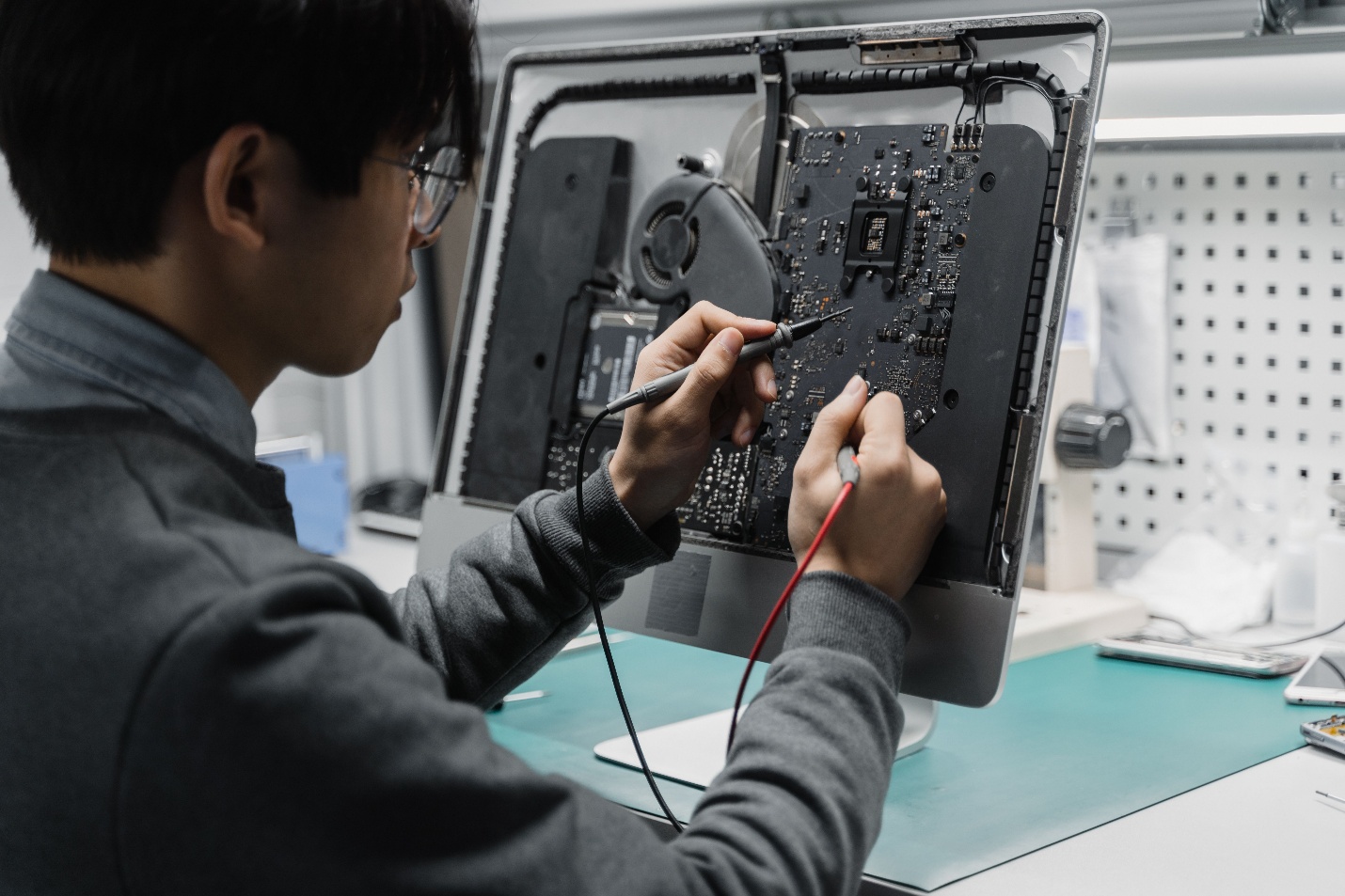
Some problems on computers are very simple but quickly become more complex. Restarting the system, checking the cables, or updating the software can resolve minor problems. Eventually, though, it may become time-consuming or even aggravate the issue to try to fix it on your own. It’s important to know when to seek expert assistance to help keep your computer and the critical information on it safe.
When simple troubleshooting doesn’t resolve problems, many people start their search for a computer technician near me. Being aware of the warning signs early can help avoid the small faults from developing into expensive repairs.
The Problem Keeps Returning
Sometimes computer problems go away for a while after the computer is restarted. When the same issue persists, however, there is most likely a root cause that must be addressed.
Recurring error messages, unexpected reboots, or crashes can indicate a hardware problem, software glitches, or an operating system issue. You don’t have to troubleshoot the problem and then try a different fix each time; a professional diagnosis of the computer could save you a lot of time and frustration.
Your Computer Will Not Start
If the computer cannot be turned on, it is a definite indication that it needs professional help. The problem might be with the power supply, motherboard, storage drive or other essential items.
Correct diagnosis may be challenging if the necessary diagnostic tools are not available. Trying to fix parts without knowing what is wrong can be costly and more of a hassle.
Strange Sounds or Burning Smells
If there are popping, grinding or humming noises coming from the computer during normal operation, the computer needs to be checked. Similarly, if the Burning smell unusual, it’s a serious matter.
Hardware or electrical failures can often present these symptoms, which warrant immediate attention. If the computer is left on, more damage can occur and may impact other parts of the computer.
You Suspect Hardware Failure
Sometimes hardware issues are not apparent. If the computer freezes often, overheats, or runs more slowly than usual, it might be due to failing internal components.
The errors that individuals with Computer repair near me are facing are not software-related and can’t be fixed with software updates. The professional technician can check the hardware, run diagnostics, find out which component is causing the problem and then propose the best repair.
Important Files Are at Risk
If you have important business documents, photos of you and your family or study materials on your computer, you should be careful. If troubleshooting is repeated without knowledge of the actual fault, stored data can be even further at risk.
If there are signs of trouble on storage devices or the OS doesn’t boot properly, there is a way to do it safely, and it is a job for professional technicians.
Software Solutions Have Not Worked
Updates to drivers, removing unnecessary software, and malware scans are among the many common computer troubleshooting methods that can be used to solve computer problems. If basic steps fail to work, it is usually time to seek out expert help.
Pro gear spots soft bugs and rules out real hardware faults. This ensures repairs address the true core issue rather than just symptoms.
Professional Diagnosis Saves Time
Trying quick web fixes can waste time and drain you when they miss the real issue. Each PC is different. A single glitch can stem from totally distinct root causes.
A competent technician will follow a systematic diagnostic process, enabling him to accurately determine the nature of the fault. Doing this means fewer extra repairs and a faster fix.
Conclusion
For big or odd bugs, asking for pro help at canberracomputerrepairs.com.au is best. The team uses top-tier skills to pinpoint the root cause of PC faults and provides effective fixes to resolve them. Knowing when a fix takes too long and calling in top help protects your gear, cuts lost time, and gets you back online fast. If you get stuck with a bad fault, reaching out to a trained tech is the right call.